Quarksb
Tote bag mockup generator
Make canvas tote bag mockups from your blank photos or our sample. Wrap artwork on the fabric, export PNG, or batch-apply designs. Free to try.
Who this is for
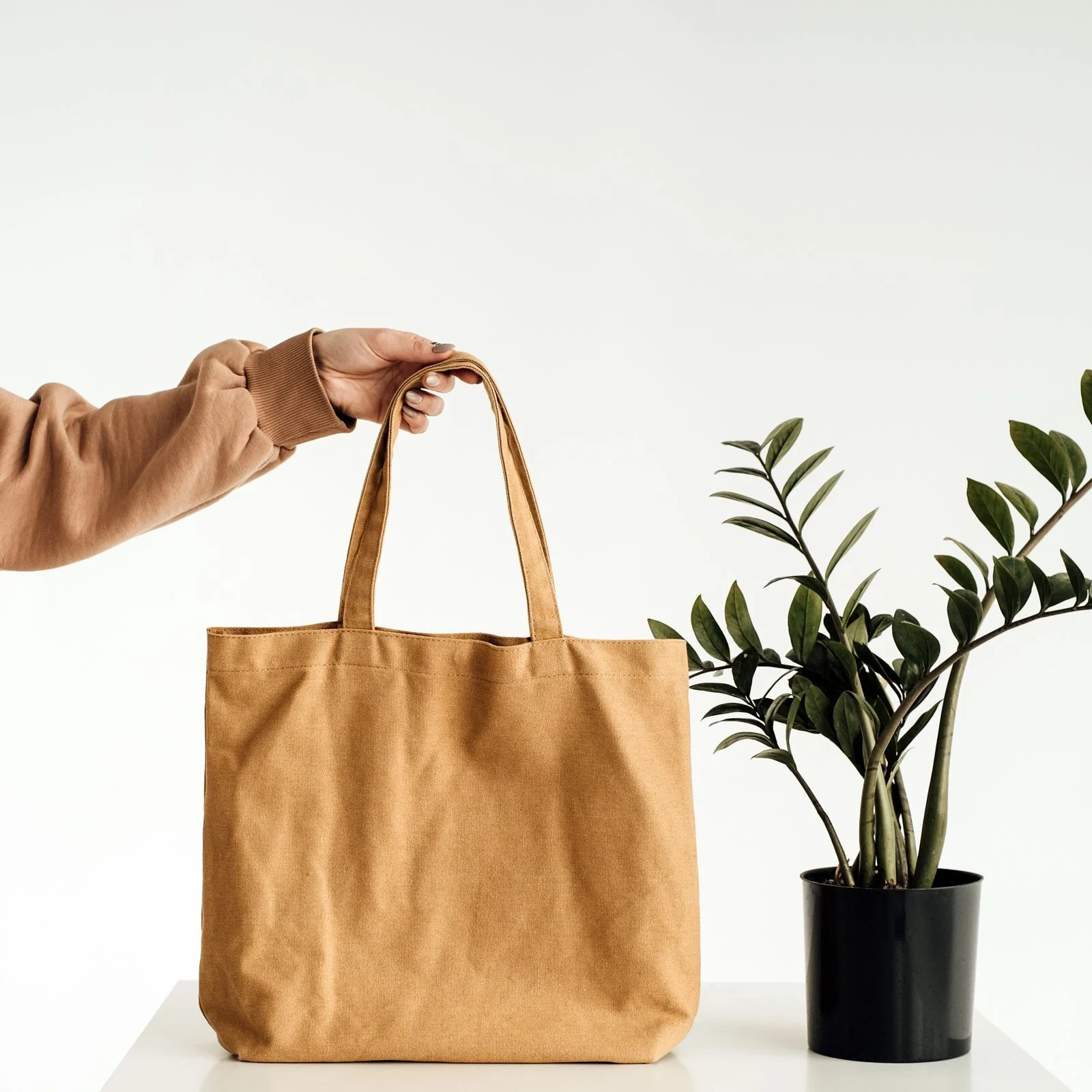
Tote bags are the second-biggest POD staple after tees: two flat print panels, visible handle stitching, and a fabric that creases differently from apparel. Buyers zoom in on seam alignment and handle placement. Quarksb warps artwork onto our tote sample or your own blank photo so the listing art matches the bag you actually fulfill — then export a PNG or Batch apply the same placement across your catalog.
Tips for a realistic Tote Bag result
- Decide which panel you sell (usually one side) and keep the main motif clear of the side seams and bottom gusset line.
- Photograph the bag hanging or flat with handles naturally arranged — stiff, floating handles are the most common giveaway of fake mockups.
- Canvas weave is coarser than tee jersey: hold thin line art up to a phone-sized crop before batch-exporting.
- Natural/off-white canvas shifts ink colors warmer; preview on the real blank rather than a pure white background.
- Export one approved placement as a template, then Batch apply colorways and alternate designs without redoing the warp.
- Sample labels describe compatible blank styles only. Quarksb is not affiliated with third-party tote brands.