Quarksb
Make every personalized product easier to sell.
Product customizer for POD — live preview, mockup templates, print-ready files.
Configure what shoppers can change, show them a true mockup preview, and export production artwork. Free in the browser today; Shopify Theme Block is in progress.
- Live preview — what they see is what they get.
- Design templates — from beautiful mockups to production-ready.
- Buyer tools — upload, text, color, and options that feel natural.
Everything you need to sell personalization
The same loop as a modern POD personalizer: configure once, preview live, hand factories print-ready files.
Product customizer
Merchant admin and buyer preview in one shell — image upload, custom text, color swatches, option menus, and addon pricing.
Mockup templates
PSD smart-object and photo templates keep warp, folds, shadows and highlights — not a flat sticker on a stock blank.
Online personalization
Shoppers change artwork and copy while the mockup updates live across product views and colorways.
Print-ready & orders
Export clean production PNGs at the design-area resolution (300 DPI metadata). Order webhooks and factory ZIP packs are next.
From mockup to personalized product
A merchant workflow built for personalization — not just batch listing images.
- Design your mockupStart from the catalog or upload a PSD / product photo and turn it into a reusable template with print areas.
- Configure personalizationChoose which areas buyers can change — photos, text, colors, options — and set fonts, swatches, and addon prices.
- Preview liveBuyers see their design on the real mockup instantly. Switch views and colorways without losing placement.
- Export production filesDownload print-ready artwork without the mockup layers — ready for the factory — plus listing previews when you need them.
- Connect your storeShopify Theme App Block opens the storefront customizer from the PDP. Same-origin cart + App Store listing are still shipping.In progress
Customization building blocks
Core components shipping in the customizer today — more vertical widgets and AI tools come after the store loop.
- Photo upload
- Custom text
- Color swatch
- Option menu
- Live mockup preview
- Print-ready export
- Multi-view sync
- Batch ZIP studio
Real mockups, ready for listings and factories
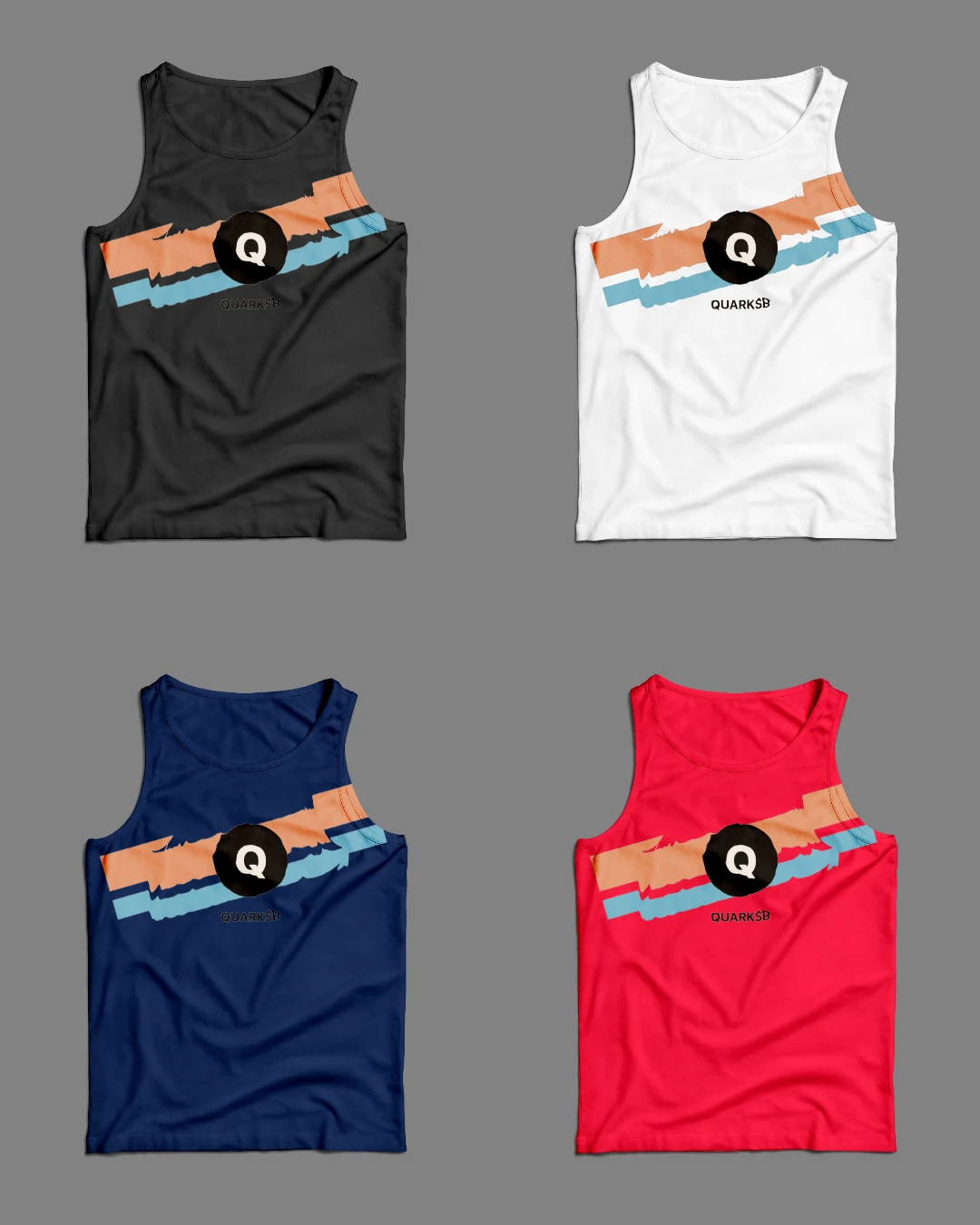
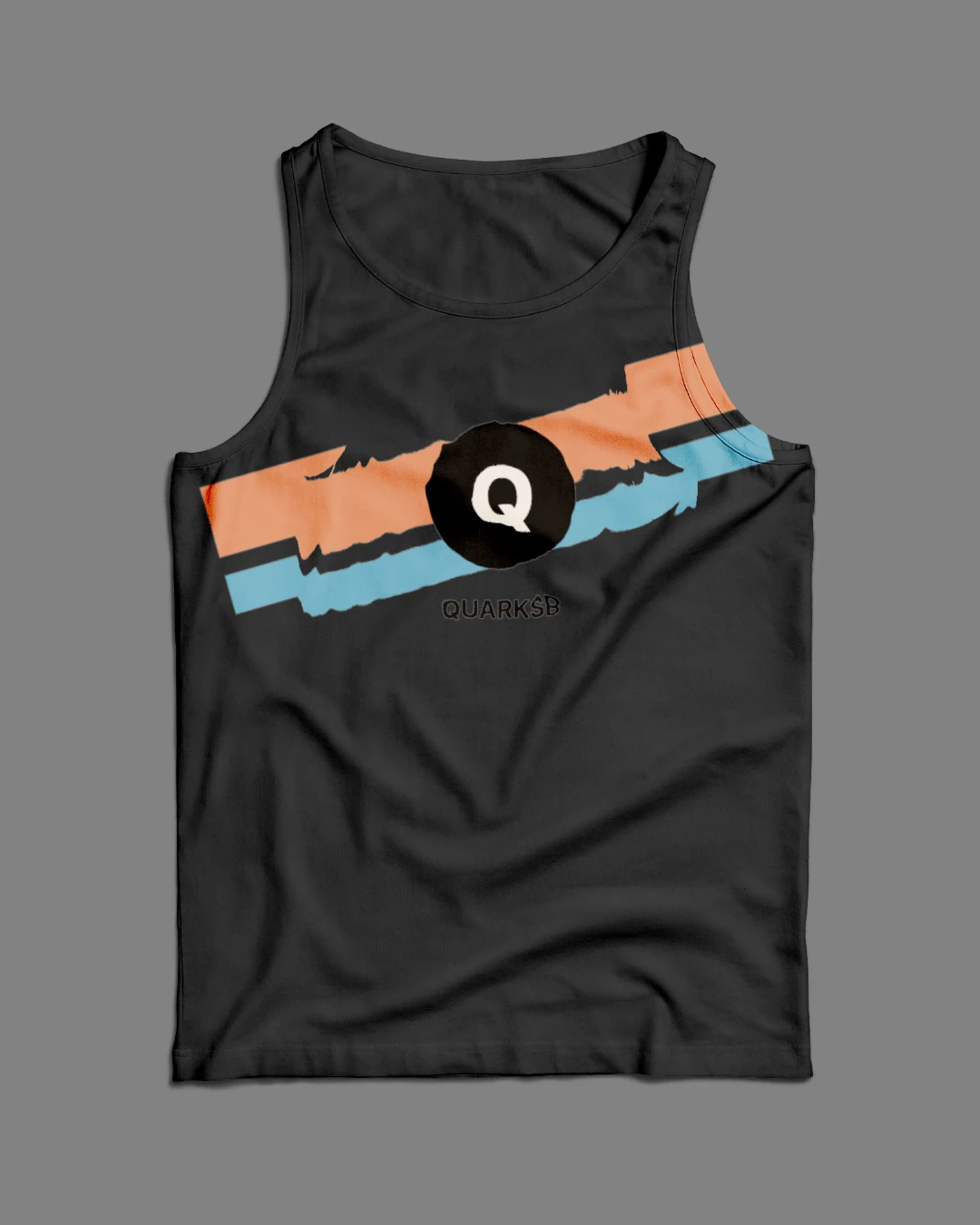
Frames from an actual tank-top run: one placement across colorways for the storefront, print-ready art for production.
Personalization that looks at home on a product page
Illustrative Customize → live mockup frames — not customer case studies. Try the real storefront demo below.
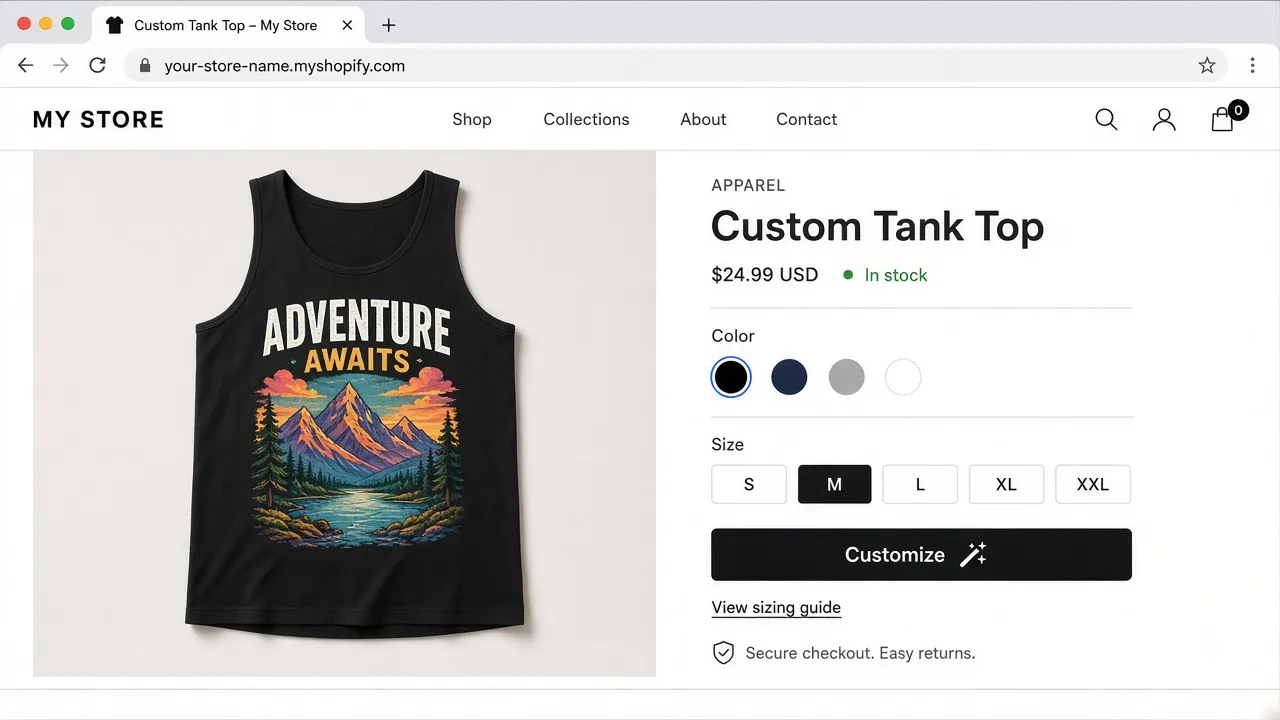
Apparel PDPShoppers edit front art on the PDP — the mockup updates before add to cart. 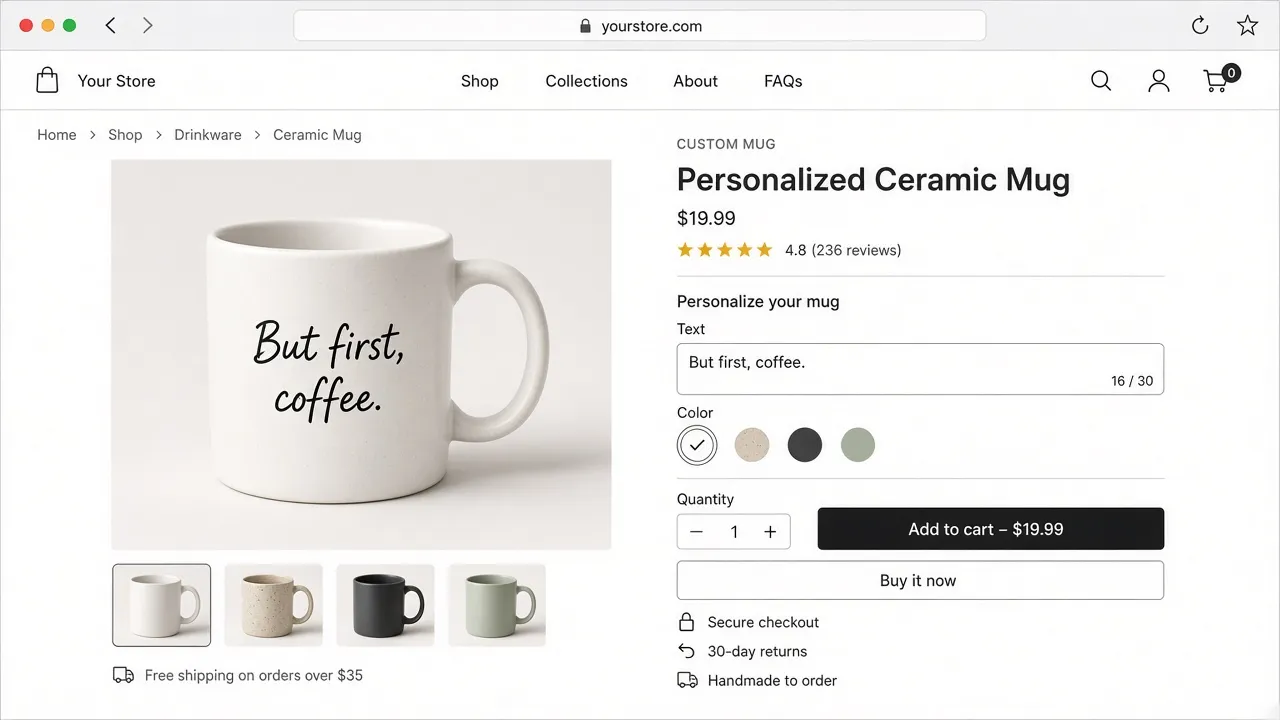
Drinkware PDPText + color swatches on drinkware without leaving the product page. 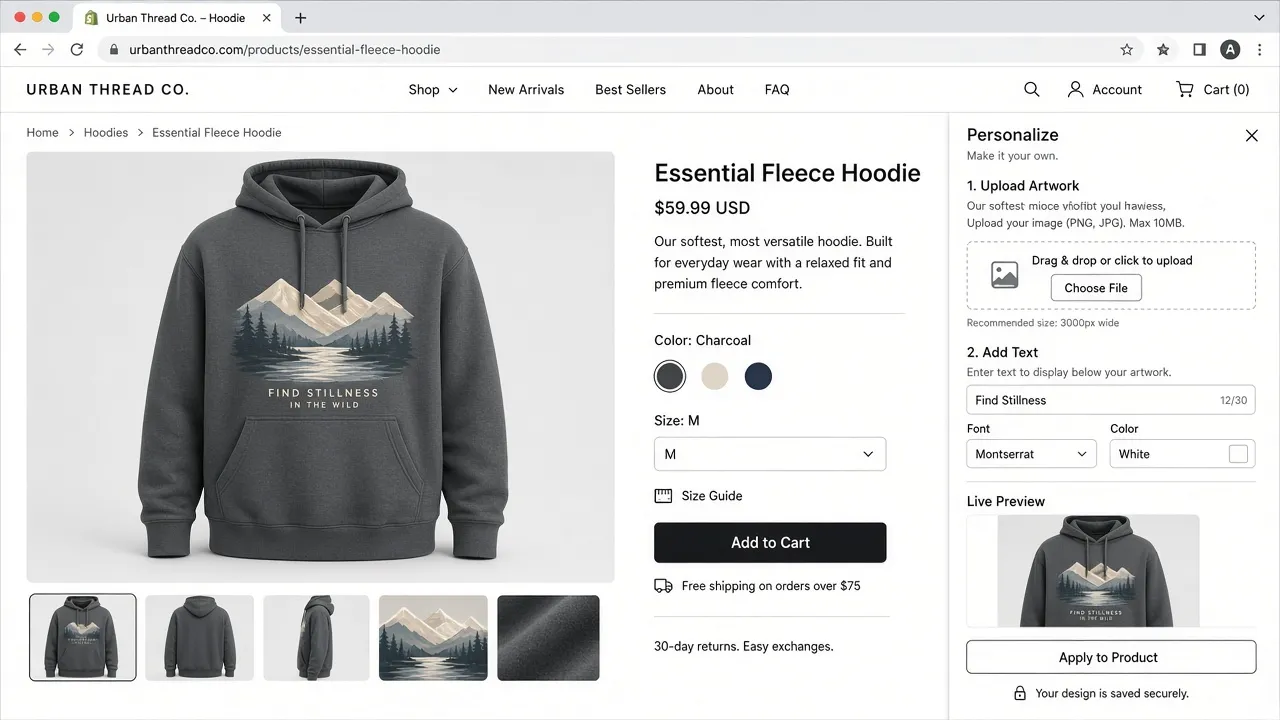
Hoodie PDPUpload art in a drawer, keep the listing chrome — like a native Customize block.
Connect where you sell
Shopify Theme Block is in progress on development stores. Other platforms stay later — we do not invent live install counts.
- ShopifyIn progress
- SHOPLINELater
- WooCommerceLater
- APILater
Why Quarksb for personalization
We keep the POD customizer loop, and go deeper on mockup fidelity than flat preview tools.
- PSD-native mockups: smart-object warp, masks, blend modes and clipped lighting stay on the artwork.
- Customizer schema already serializes to Shopify cart line properties — Theme Block opens the storefront customizer on development stores; same-origin cart is next.
- GPU preview in the browser (WebGPU / WebGL2) — no install, no silent Canvas2D fallback.
- Catalog PSDs and artwork stay in the browser while you work — see the Privacy Policy.
- Batch studio remains the free acquisition funnel: prepare catalogs, then publish into a customizer.
- Web tools are free — sign in to export without a watermark. No plans or credit packs.
Mockups across the products you sell
Apparel, drinkware, devices and more — each product keeps color × size SKUs and shared design areas across views.
- Apparel Tees, hoodies, tank tops and snapback caps.
- Drinkware Ceramic mugs, paper cups and water bottles.
- Bags Canvas tote bags.
- Devices iPhone, iPad and MacBook screens — plus cases — with shared design areas across views.
- Print & stationery Posters, photo frames, business cards, books and magazines.
- Packaging Mailing boxes, open and closed, and plastic pouches.
Free while we ship the store loop
Customizer demo, mockup catalog, batch studio and PS Viewer are free. Sign in to export without a watermark. No plans, no credit packs, no checkout.
Web subscriptions stopped selling in November 2026; existing customers keep their entitlements and refund rights, see the Refund Policy.
Guides & resources
Merchant how-tos for the customizer, mockup paths, and the Shopify roadmap — Coming soon when a feature is not live yet.
Demo
Theme App block
Theme App Block works on development stores; same-origin cart and App Store listing still shipping.
Demo
Integrate the POD designer
Storefront demo today; Theme App Block opens the customizer on development stores — same-origin cart still shipping.
Ready
Component properties
The four CustomizerConfig types: image_upload, custom_text, color_swatch, option_select.
Ready
Stunning mockups
Paths through #/canvas, batch studio, and PS Viewer into the customizer.
Demo
Shopify cart display
Line-item properties are locked; cart UI on a live Shopify theme is Coming soon.
Professional Build Team
Hands-on help configuring templates and personalization. Email us — no invented case counts.
FAQ
What is Quarksb now?
A POD product customizer in progress: configure personalization components, show live mockup previews, and export print-ready files. Batch mockup tools remain free as the merchant funnel. Shopify Theme Block is in progress.
Can I try the customizer without Shopify?
Yes. Open the Tank Top storefront demo — upload art, edit text, switch colors and views, then export a print-ready PNG. No store connection required for the demo.
How is this different from Printify / Printful mockups?
Printify and Printful render on their stock blanks one design at a time. Quarksb runs PSD-grade (or your own) mockups with warp and lighting preserved, and the customizer is built so buyers personalize on a live preview.
Do you support Shopify yet?
Theme App Block works on development stores and opens the storefront customizer from the PDP. Same-origin cart add and a public App Store listing are still shipping — cart line payloads (preview, print-ready, _customizer_json, addons) are already locked.
Which mockups are in the catalog?
Apparel, drinkware, bags, iPhone / iPad / MacBook screens and cases, posters, frames, stationery and packaging. Multi-view products share design areas across angles. Names describe mockups only — Quarksb is not affiliated with Apple or apparel brands.
Is everything free?
Web tools are free. Guest exports are watermarked; signing in removes the watermark with no export limits. Future store-connected plans may differ; nothing is sold on the web today.
Do you store my PSD files or artwork?
Catalog and batch PSDs stay in your browser. (The experimental photo-based builder sends a blank photo for depth/cutout analysis only — not stored, never used for training.) See the Privacy Policy.
Can I use exports commercially?
Yes — listings, ads, client delivery. You must own rights to artwork and any uploaded templates. Catalog mockups are for creating listings, not for resale as stock templates.
What do print-ready files look like?
Print-ready exports are the design-area artwork without mockup base, wrinkles or lighting, PNG with 300 DPI metadata. Listing previews keep the full mockup look.
What is your refund policy?
Web subscriptions are no longer sold (since 2026-11). Past Pro purchases could be refunded within 14 days of first payment — see the Refund Policy. Payments were handled by Waffo Pancake.
Merchant tools on the side
Personalization is the product. These free tools stay for template prep and inspection.
Photo-based mockups (beta)
Experimental: turn a photo of your own blank into a mockup template. Still polishing — the customizer + PSD catalog above are the main path.
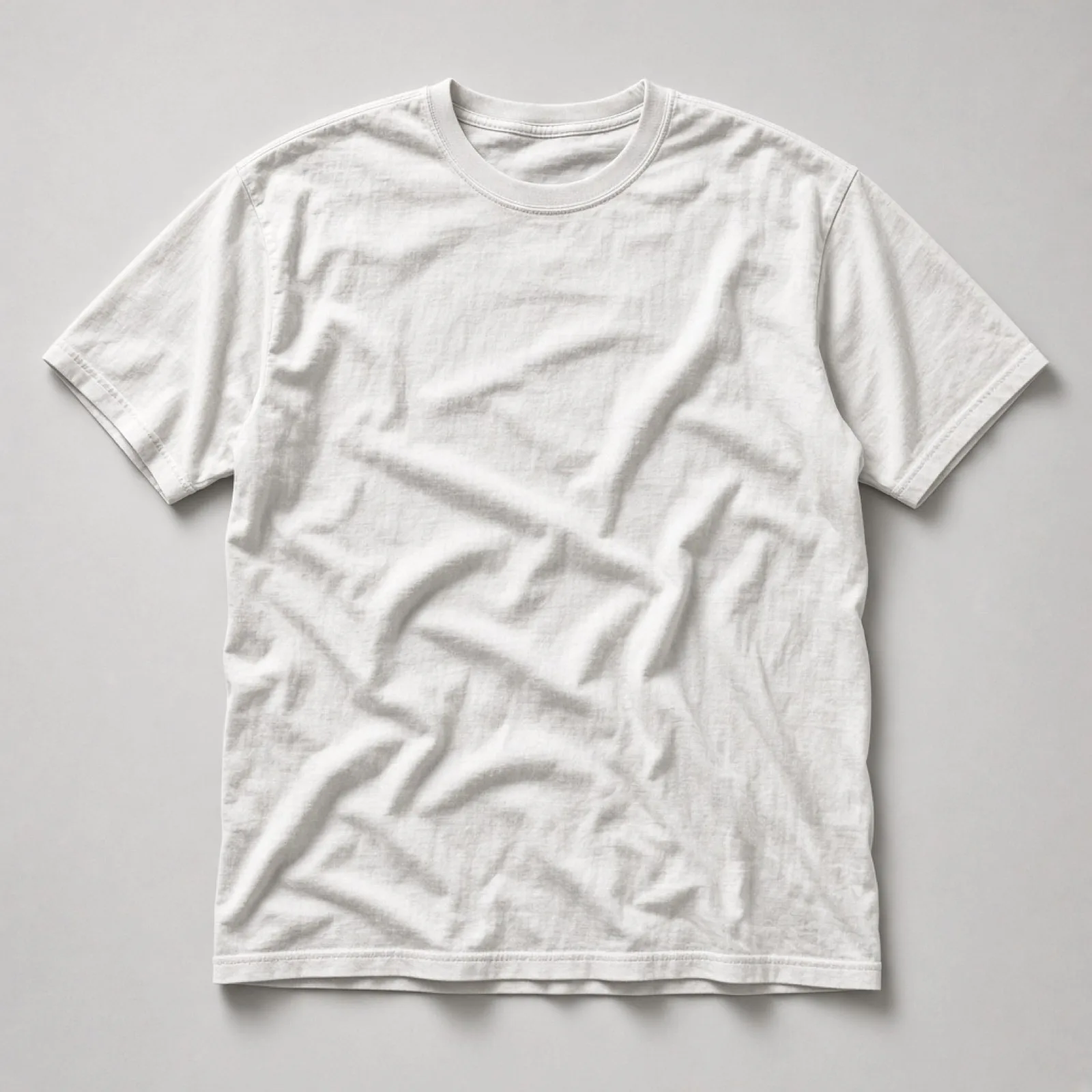 Comfort Colors 1717 mockup generatorSample in editor
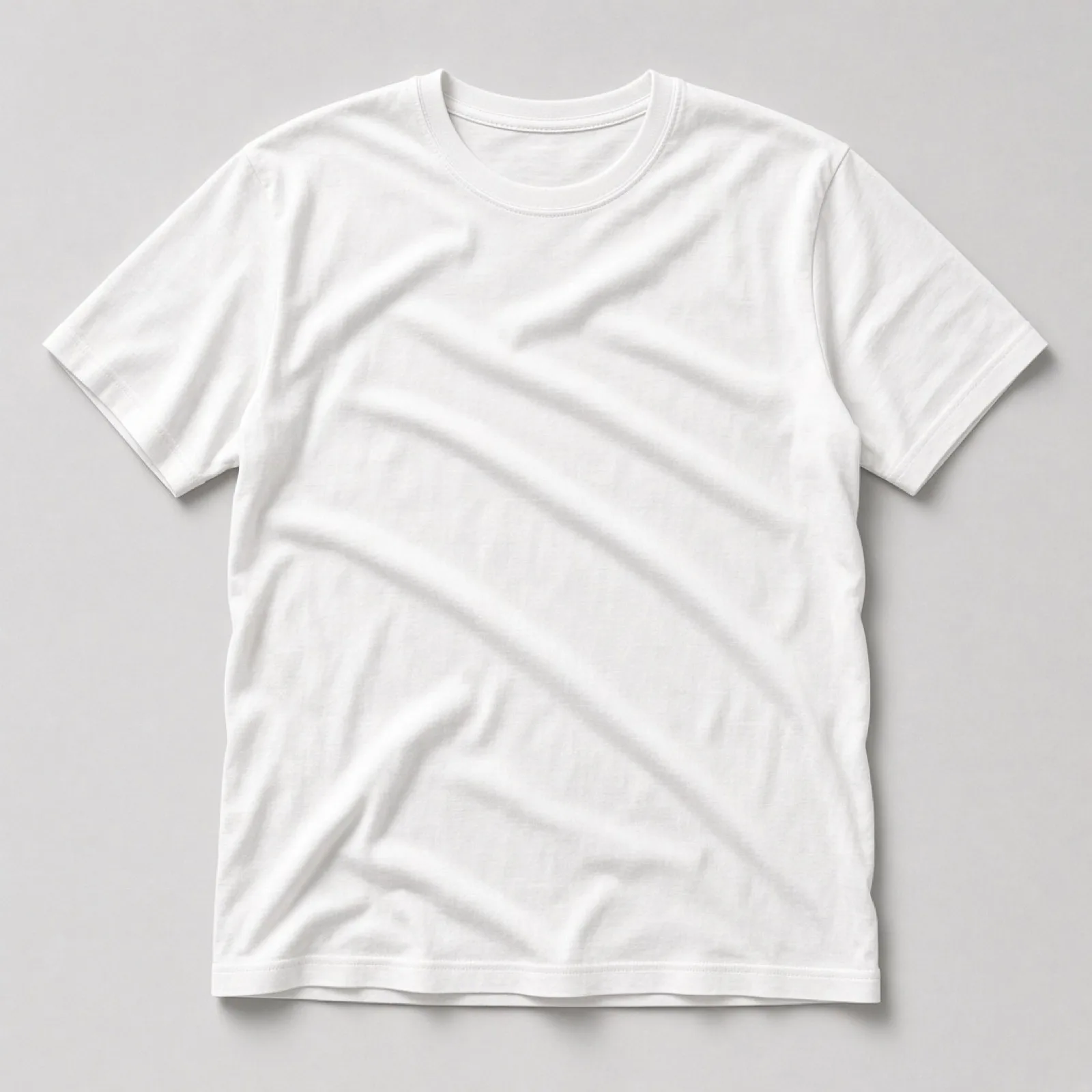 Bella+Canvas 3001 mockup generatorSample in editor
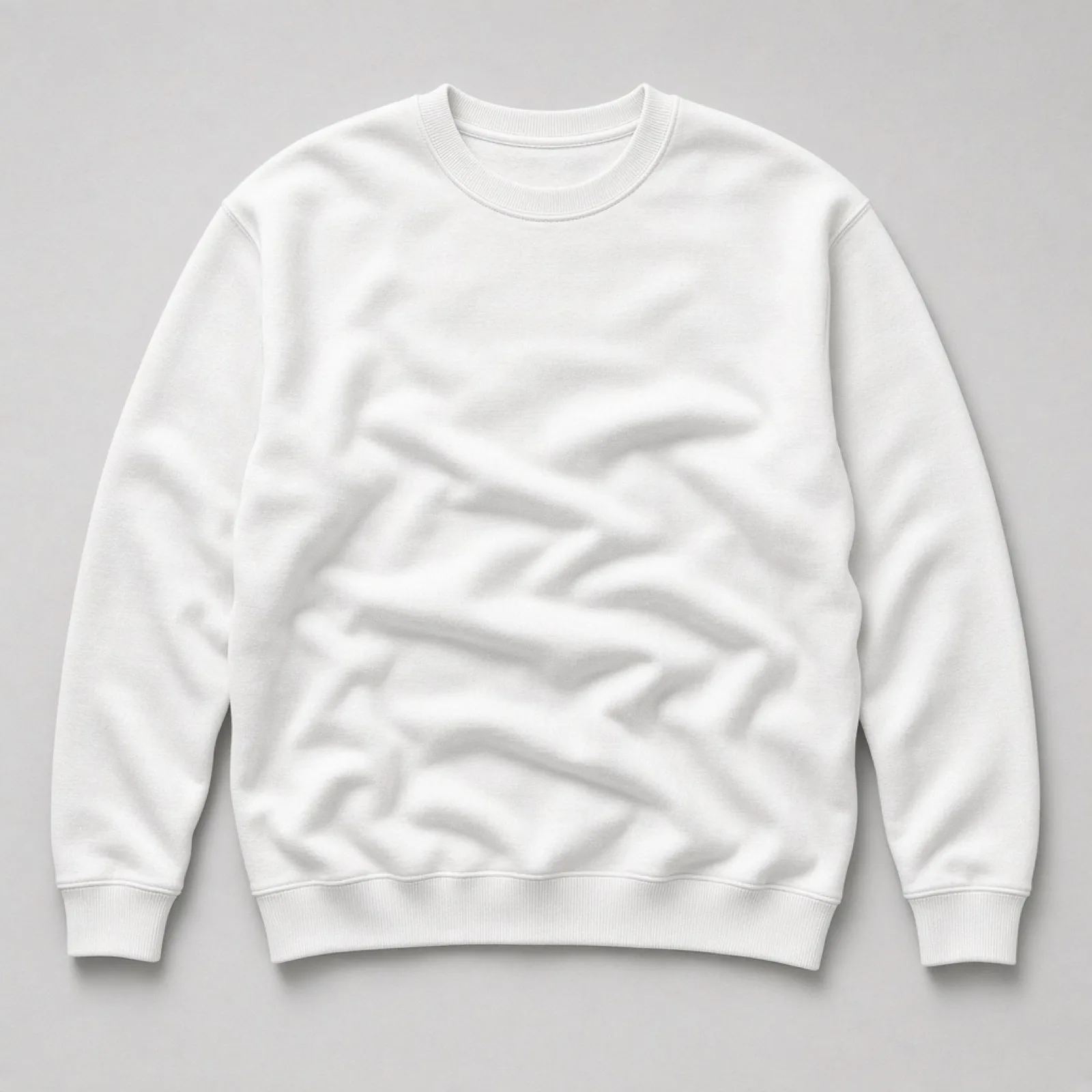 Gildan 18000 mockup generatorSample in editor
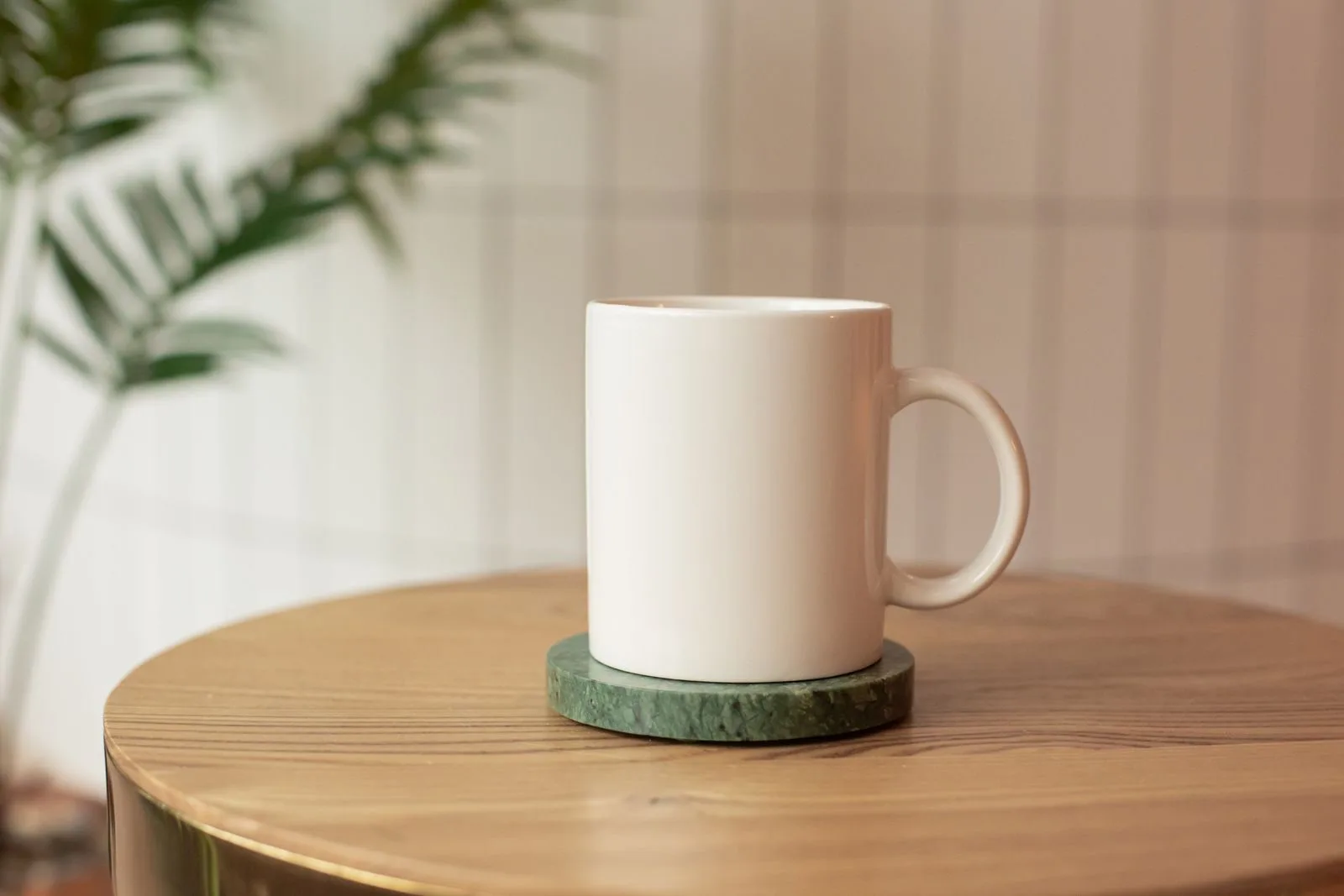 11oz Mug mockup generatorSample in editor
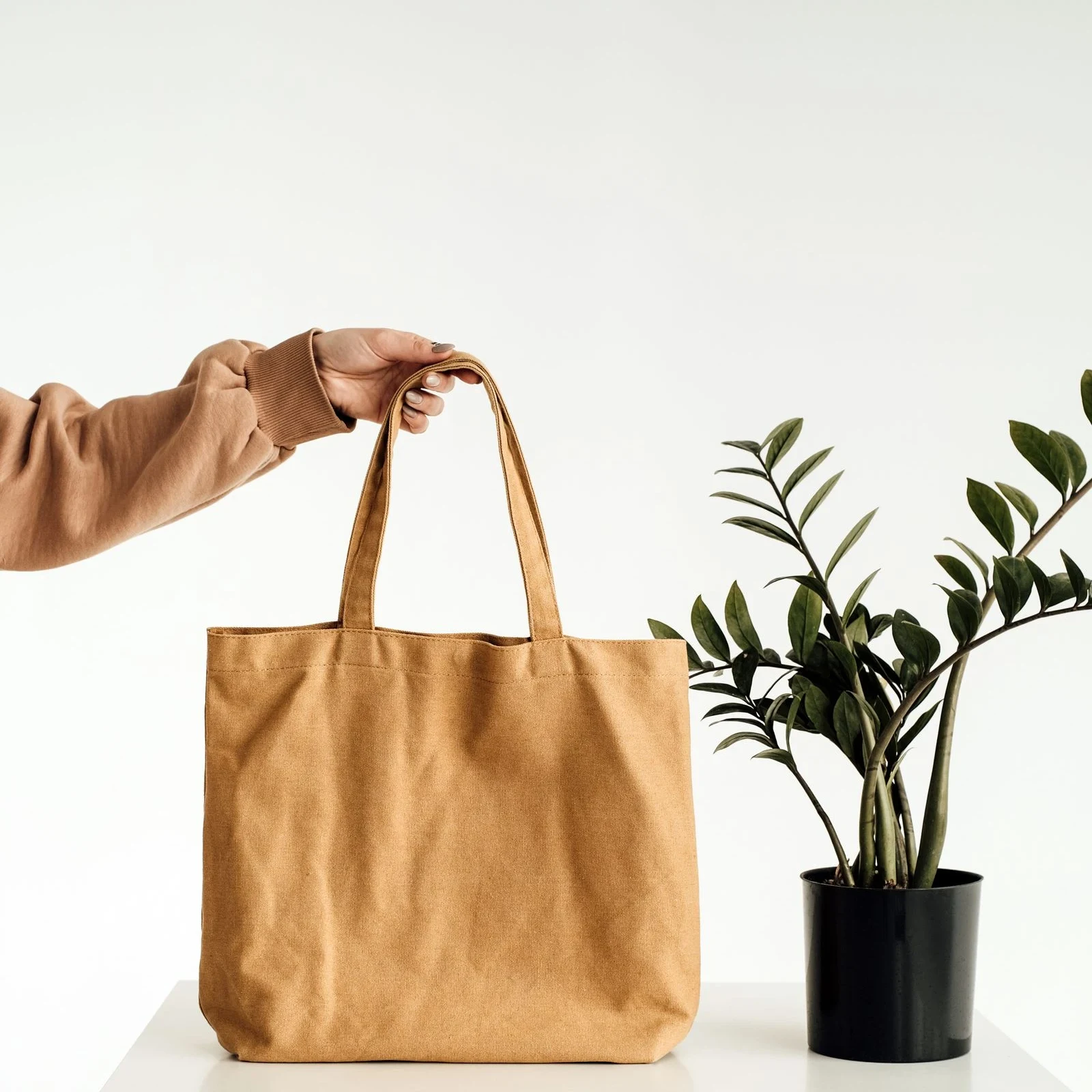 Tote Bag mockup generatorYour own photo
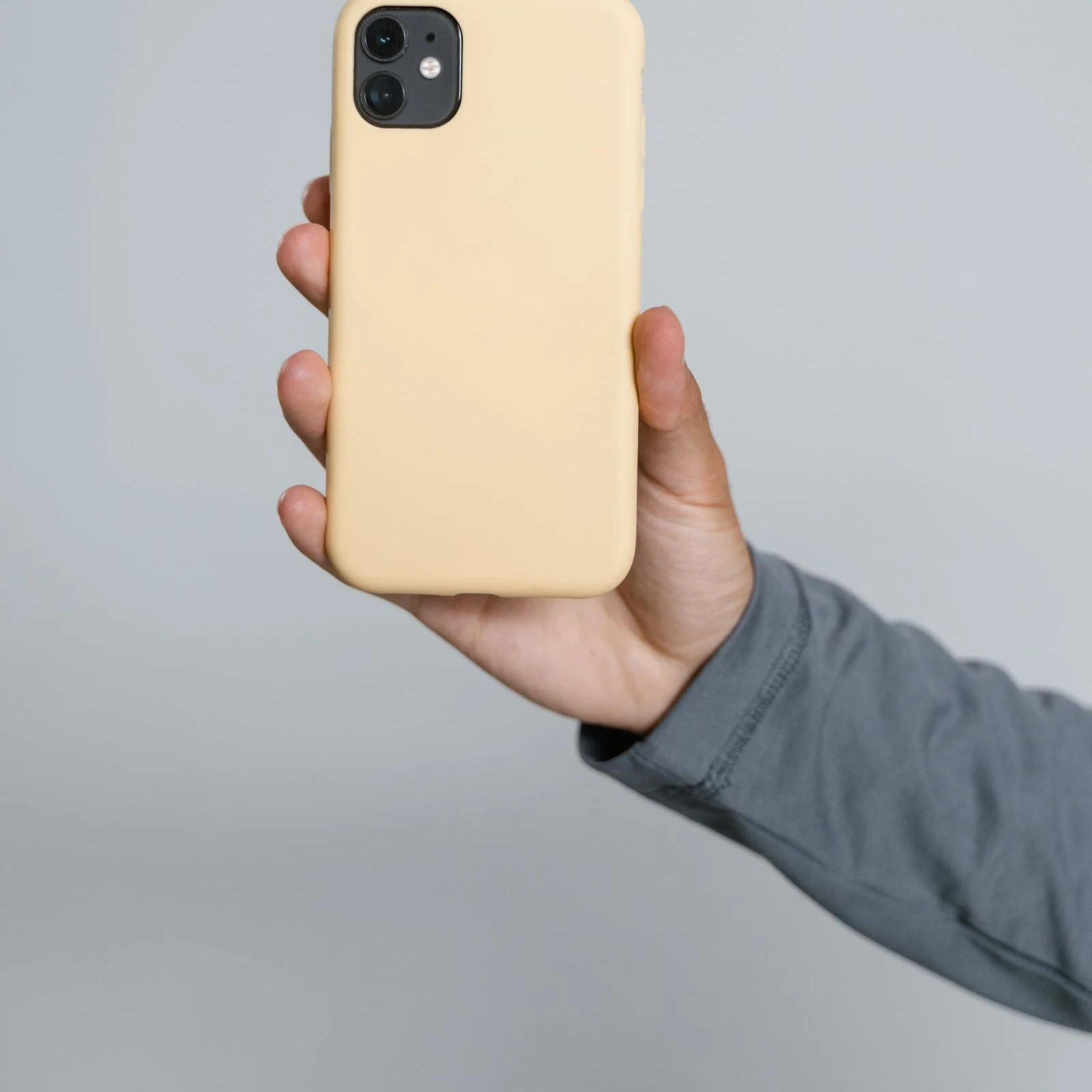 Phone Case mockup generatorYour own photo
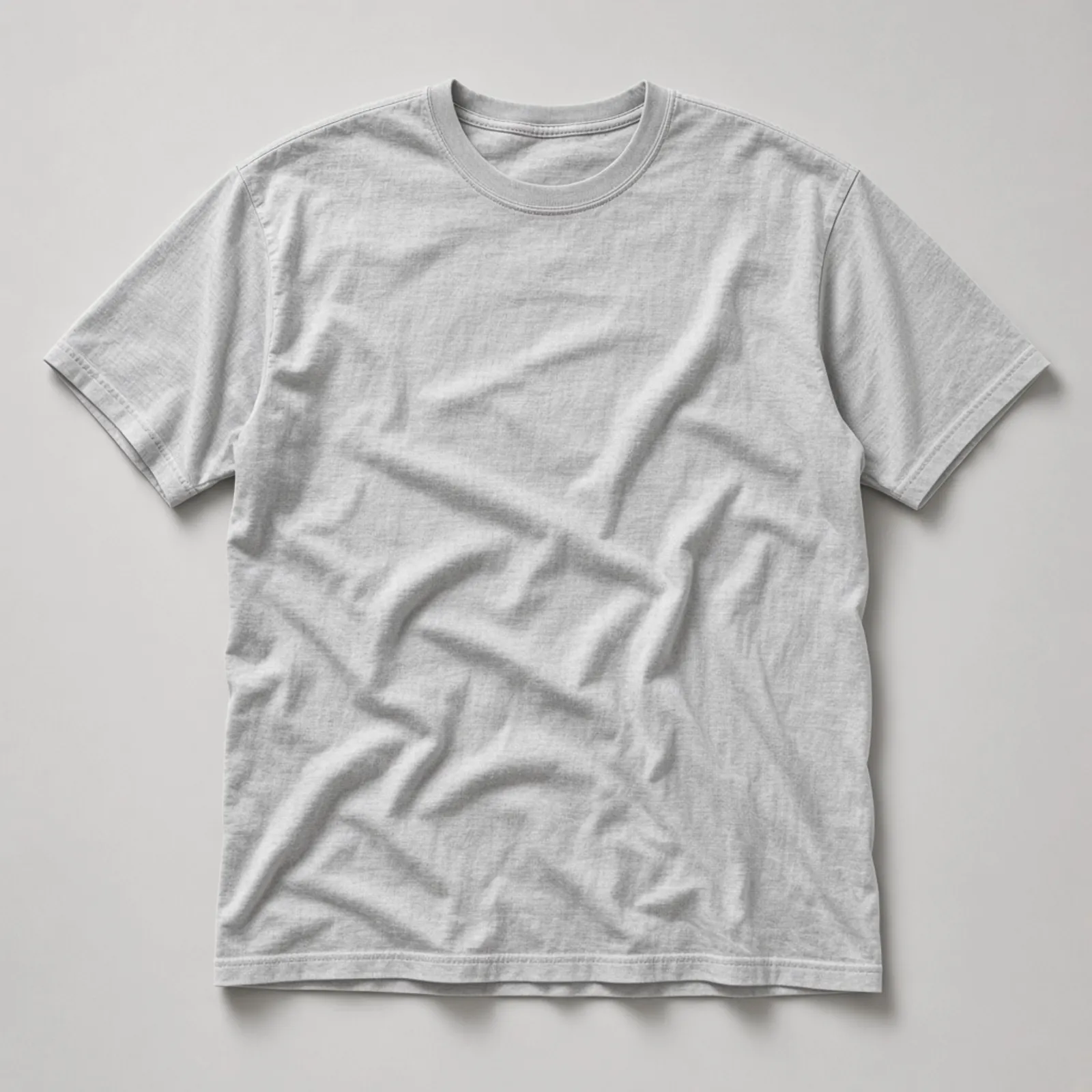 Gildan 5000 mockup generatorYour own photo
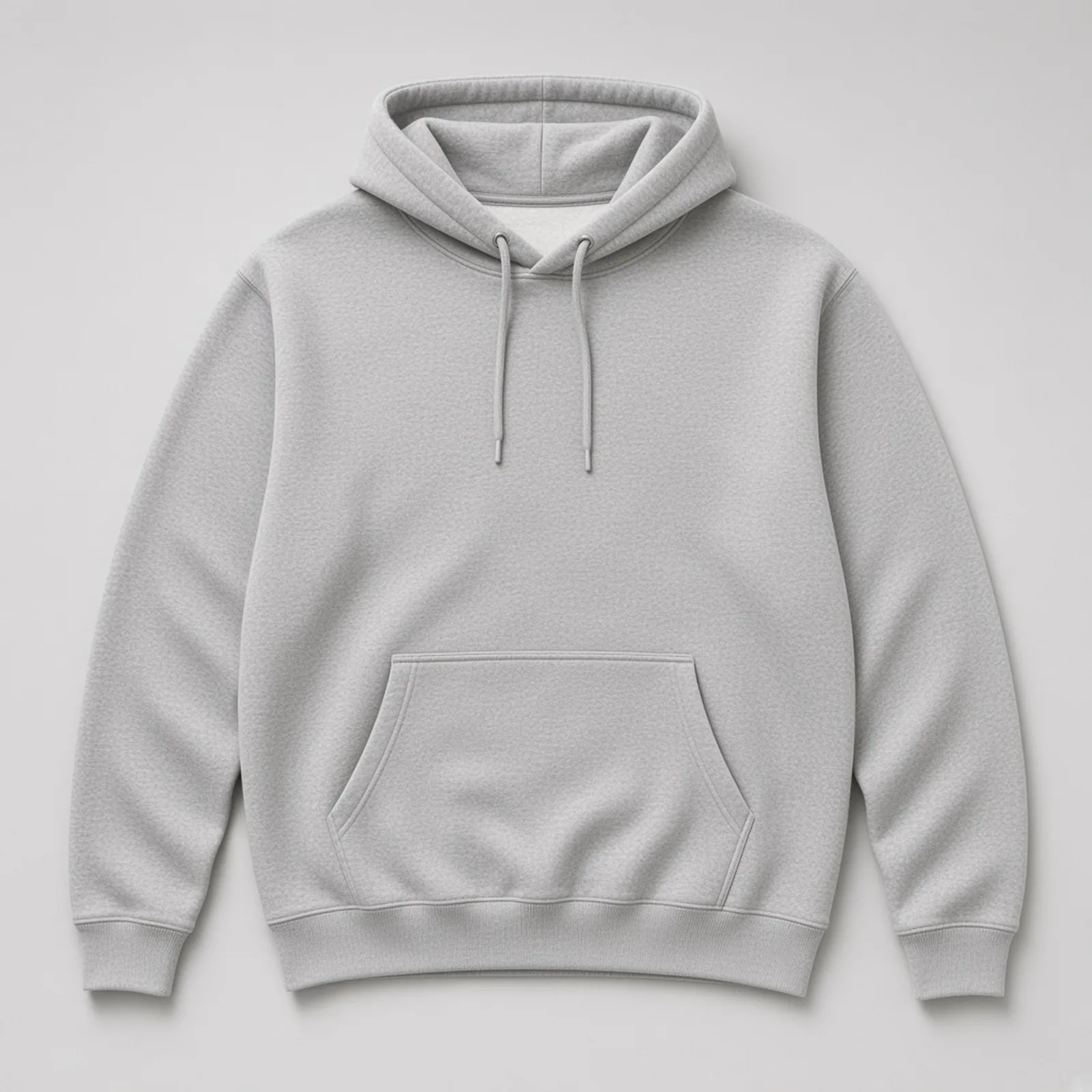 Gildan 18500 mockup generatorYour own photo
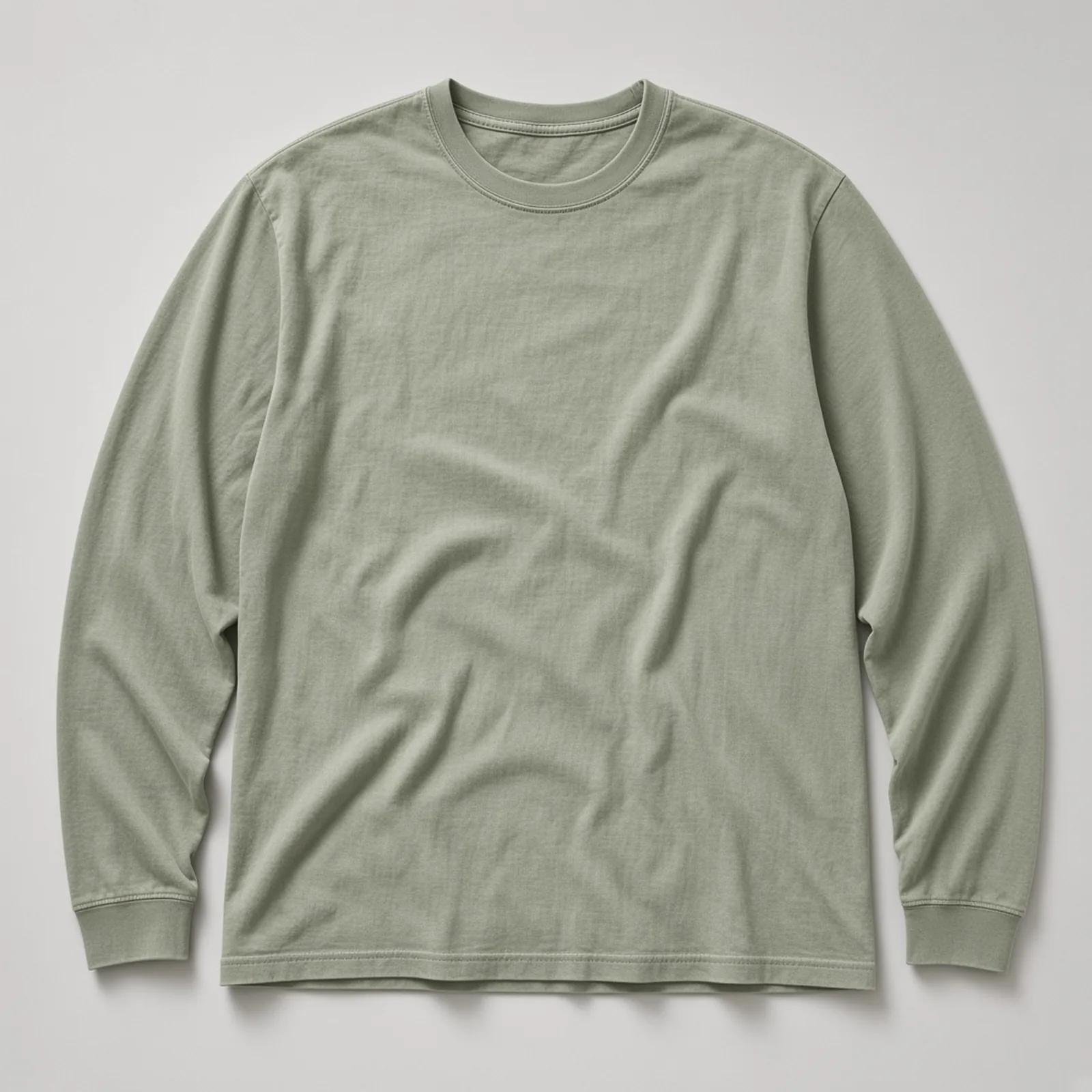 Comfort Colors 1566 mockup generatorYour own photo
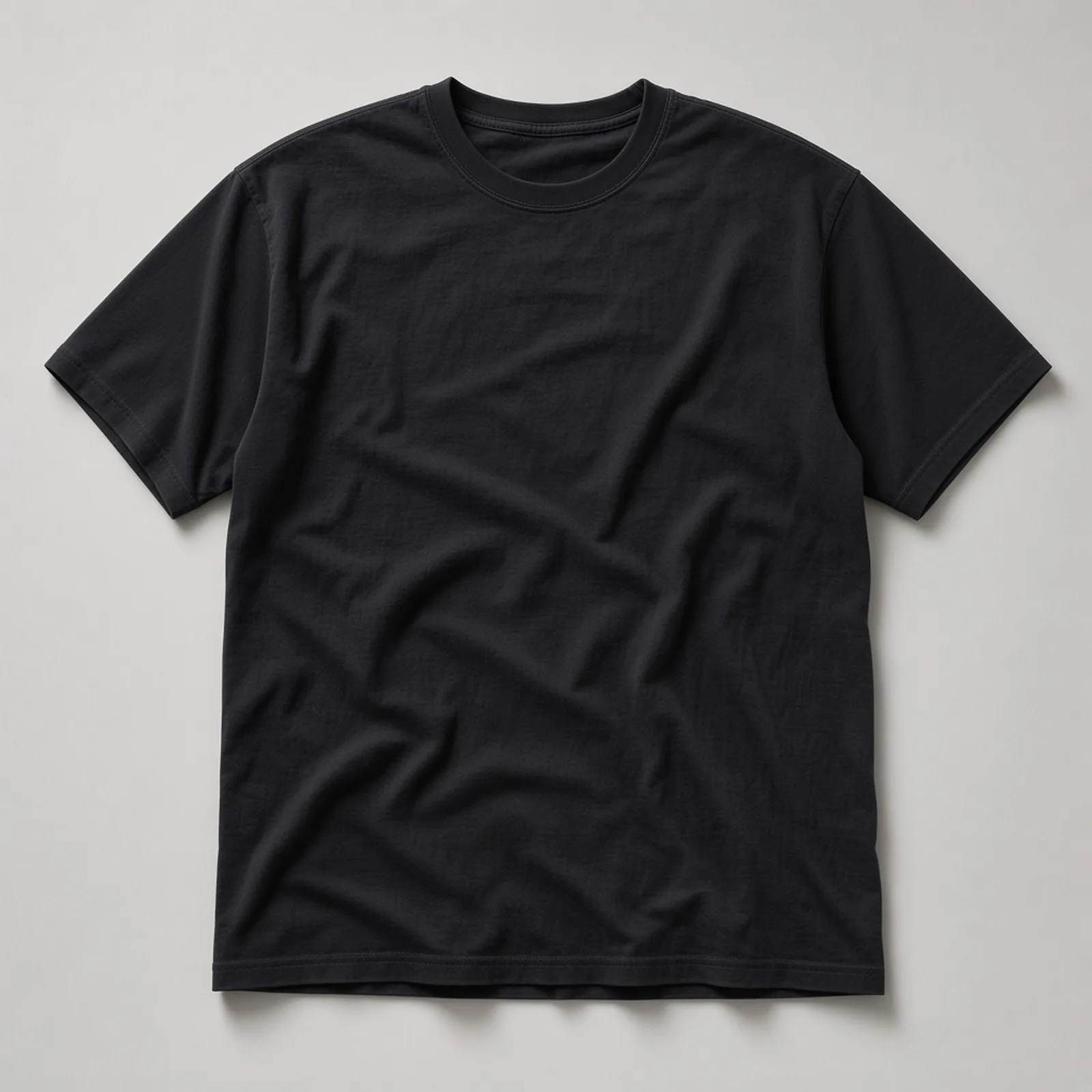 Shaka Wear mockup generatorYour own photo
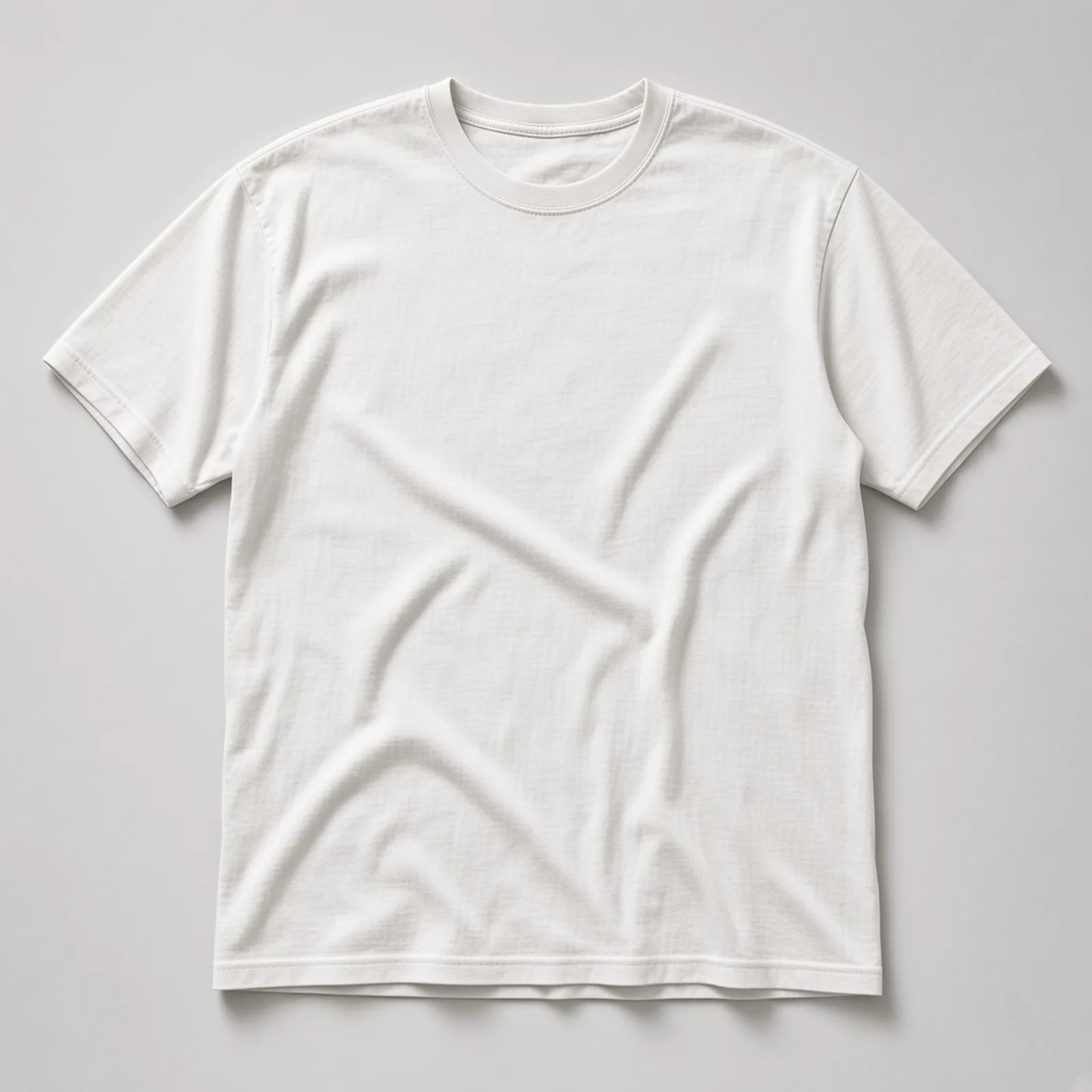 Stanley/Stella mockup generatorYour own photo